AI Misreads an Invoice: What Controls Are Needed Before Accounting?
Design invoice processing with field-level confidence, business validation, reconciliation, risk-based review, and posting gates.


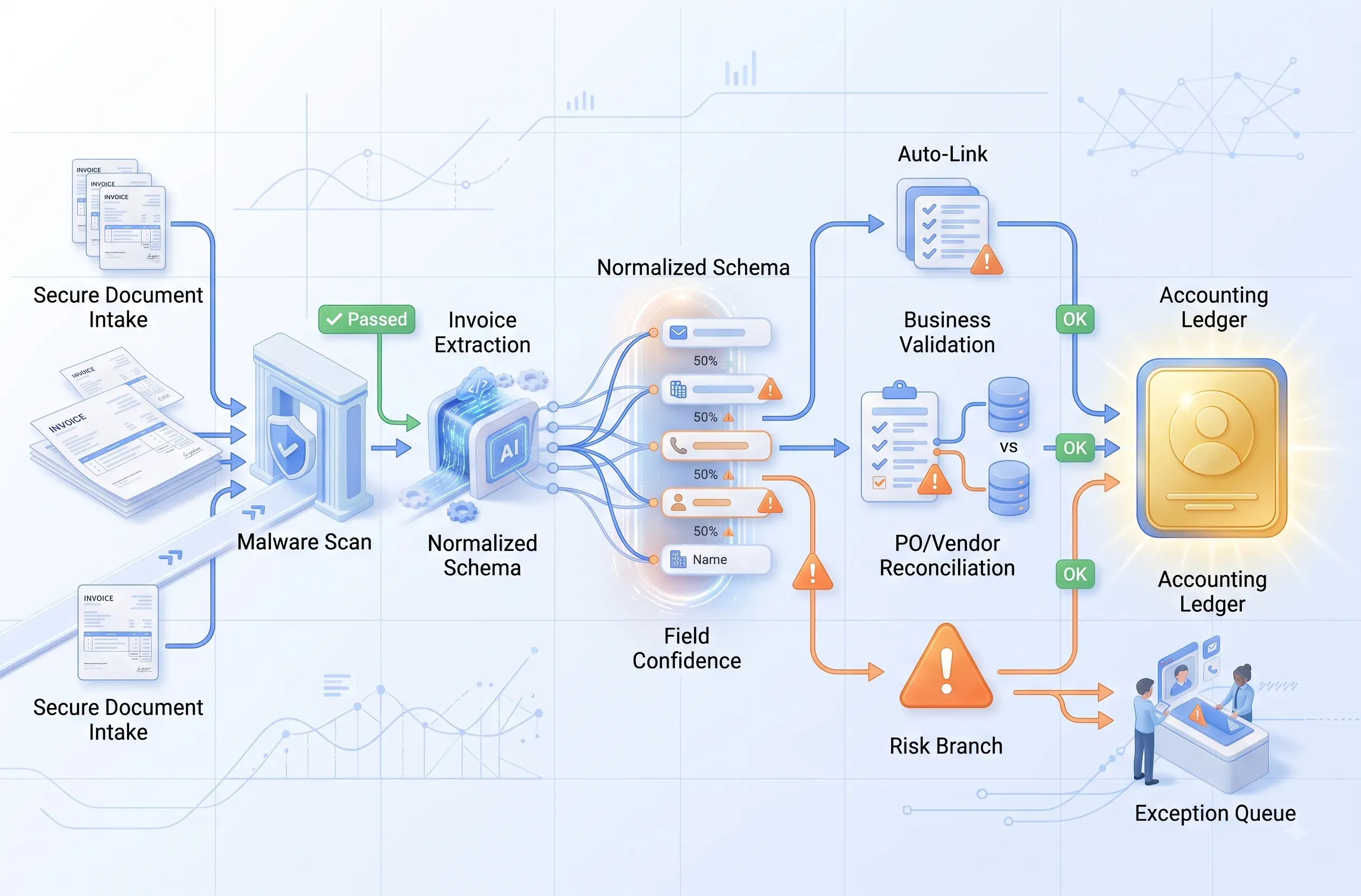
AI invoice reading should be treated as proposed extraction, not sufficient evidence for accounting. A safe pipeline retains the original file, returns confidence for each field, normalizes values, applies business rules, reconciles vendor, purchase order, and amounts, and allows posting only after policy gates pass. Uncertain fields and high-impact transactions enter a review queue.
Do not rely on one document-level confidence score. The model may read the vendor correctly while missing a decimal, tax, currency, or total. A small character error can create a duplicate payment or incorrect posting. Controls must therefore account for the field, business context, and risk of the next action.
Failure modes
Why can OCR or AI misread a clear invoice?
Image quality is only one factor; layout, locale, and business semantics also matter.
Skewed images, blur, multiple pages, stamps, handwriting, and complex line-item tables reduce extraction quality. Visually similar fields—invoice date versus due date, subtotal versus total—may be mapped incorrectly. Numeric formats such as and , currencies, negative values, and discounts require locale-aware normalization.