What Is a Shared Mailbox and When Should Businesses Use One?
Learn how Microsoft 365 shared mailboxes work, their permissions, licensing, business use cases, and governance requirements.


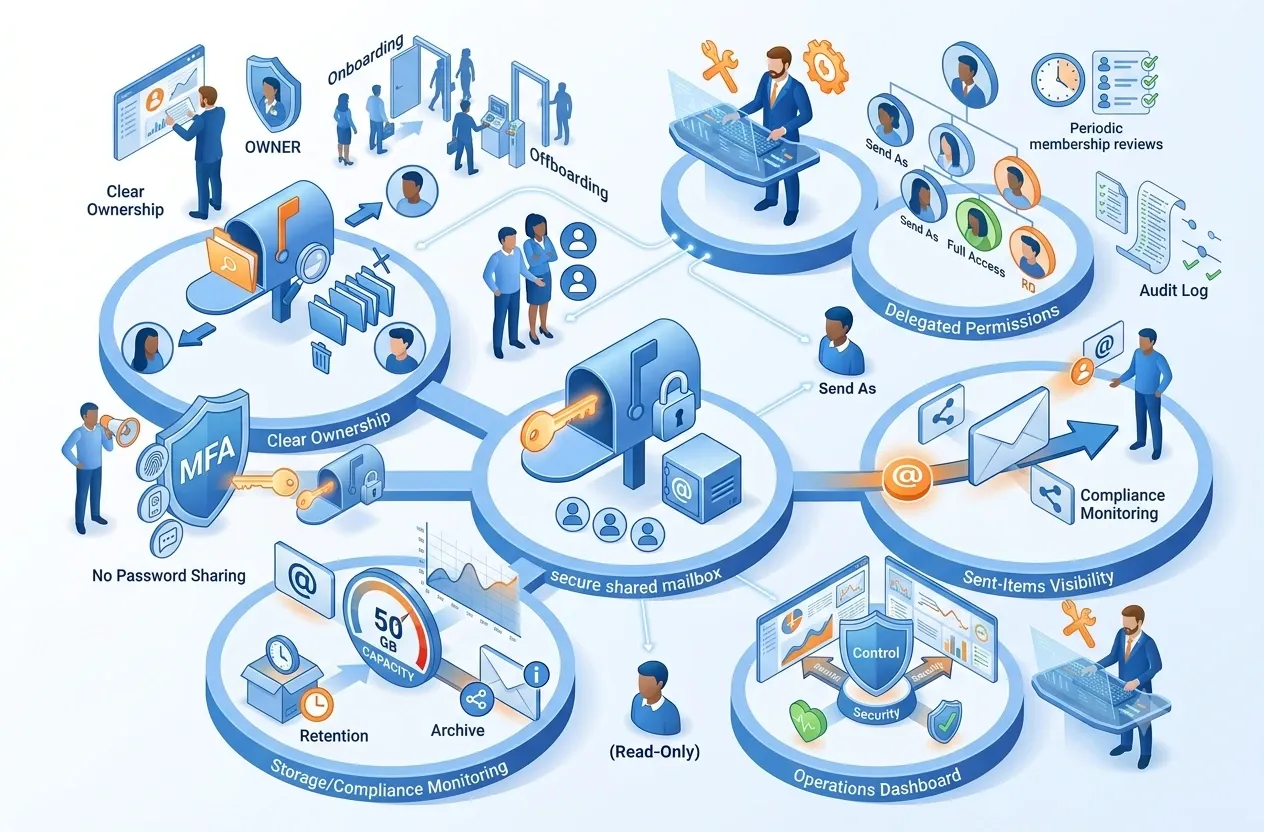
A shared mailbox is a common mailbox in Microsoft 365 that allows multiple people to read, manage, and send email from an address such as sales@company.com, support@company.com, or accounting@company.com.
Instead of sharing the password of a common account, an administrator grants permissions to individual users. Each member signs in with a personal Microsoft 365 account and accesses the shared mailbox through delegated permissions, improving control, offboarding, and auditability.
Key principle
A shared mailbox should not be treated as a common username and password for the whole team. Users should access it through their own identities and assigned permissions.
Concept
How does a shared mailbox work?
A common business address can be managed by several people while access remains tied to individual identities.