
Slow Office Network After an Internet Upgrade? Check These 9 Areas Before Buying Equipment
Separate ISP, Wi-Fi, switching, firewall, DNS and endpoint problems through measured diagnosis before upgrading infrastructure.

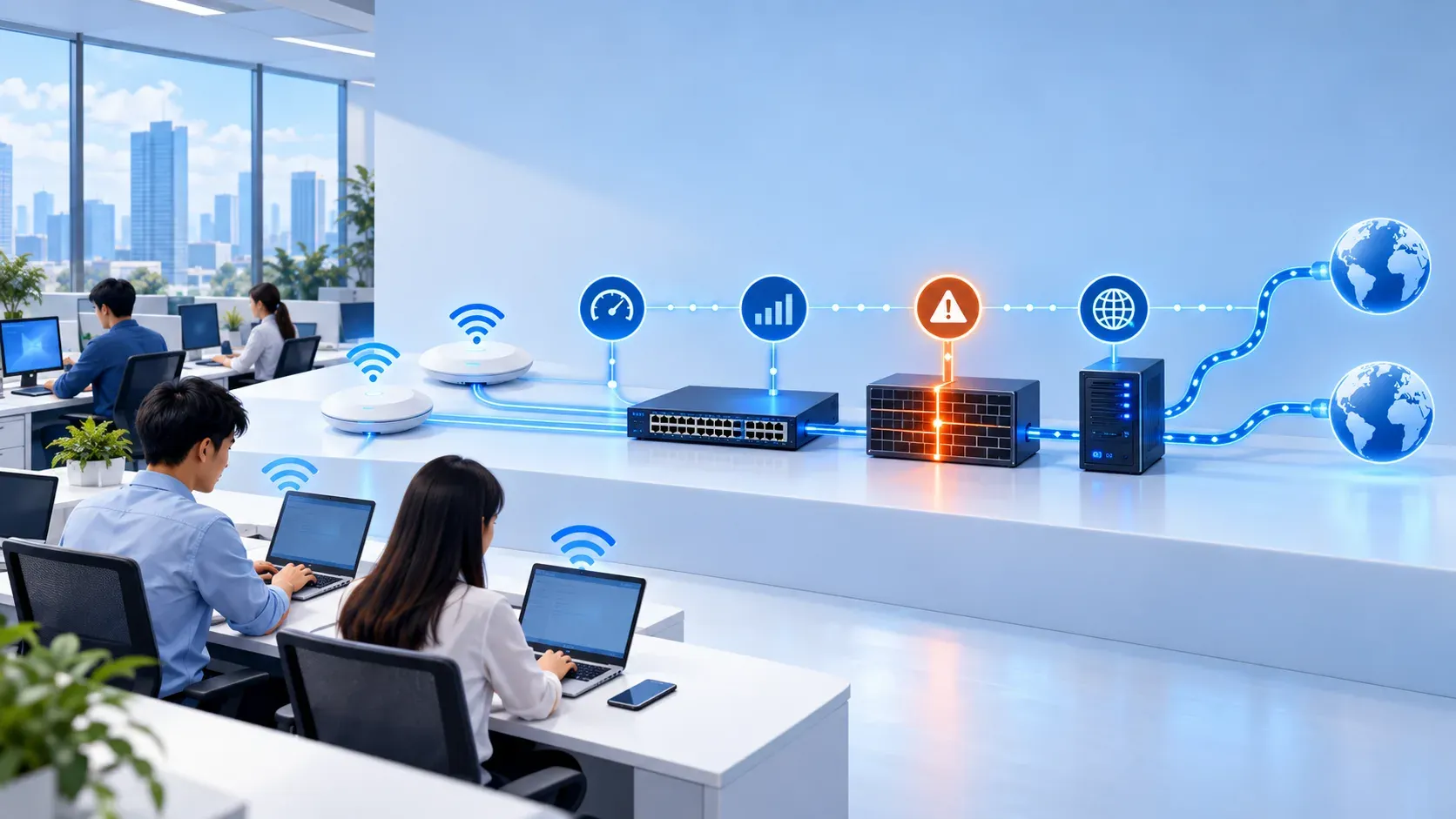
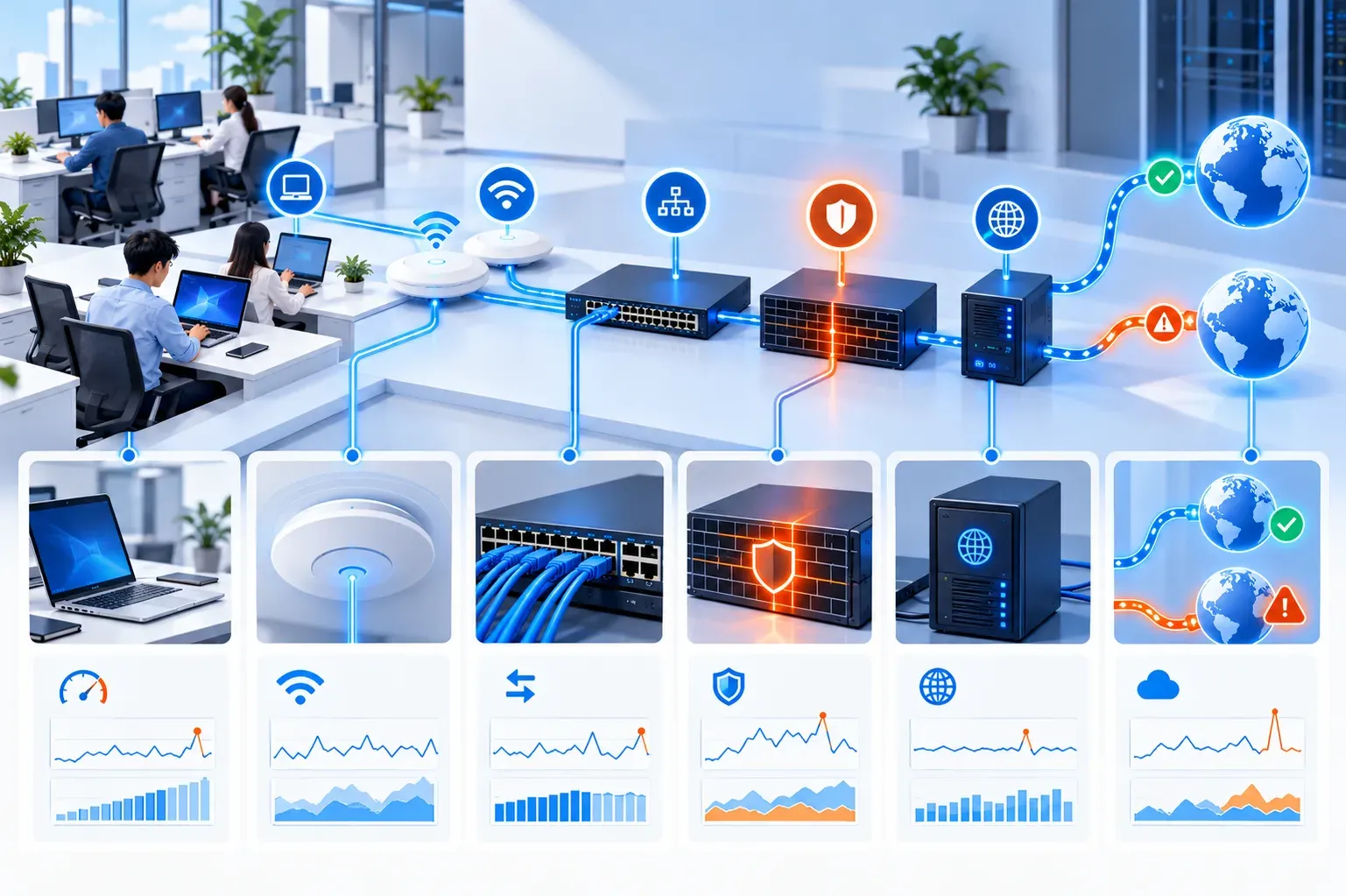
A larger internet plan does not guarantee a faster office experience. The bottleneck may be Wi-Fi interference, a faulty switch port, slow DNS, an overloaded firewall, a remote application or the user's own device. Replacing equipment before isolating the layer often increases cost without proving that the fault is gone.
A sound approach defines the affected scope, measures at several points and retains before-and-after evidence. This guide gives SMEs a practical workflow; final acceptance thresholds should match real applications and peak periods.
Practical guidance
Scope the impact before measuring
Adapt to business scope, risk and operating capacity.
Identify who is affected, where they sit, whether they use wired or wireless access, which application is slow and when it happens. A single-device issue should start with CPU, memory, drivers, VPN and endpoint security. A floor-wide or branch-wide issue points toward shared infrastructure.
Do not treat one speed test as a diagnosis. Measure latency, packet loss, DNS, application response and local throughput. Compare wired with wireless and test near the gateway to separate LAN issues from ISP issues.