



Skip to content
FlowNexa
  • AI Services
  • Solutions
  • About
  • Blog
VIEN
Book a consultation
Back to Blog
AI Automation6 min readFlowNexa Team

Your Business Doesn't Need Another Chatbot. It Needs an AI System That Can Answer, Act, and Report

See how connecting a chatbot, an AI assistant, automation, and reporting into one system helps businesses cut manual work, respond to customers faster, and make decisions from real data.

Aug 14, 2026
Your Business Doesn't Need Another Chatbot. It Needs an AI System That Can Answer, Act, and Report

A customer sends a message at 9 p.m.: "Do you have a room for this weekend? If so, can you send me the price and cancellation policy?"

An ordinary chatbot might reply with a price sheet or a link to an FAQ page. But if prices change daily, availability has to come from a live system, and the policy depends on the booking type, a canned answer is easy to get wrong.

A properly connected AI system does more. It understands what the guest is asking, pulls availability from the operating system, looks up the policy the business has already approved, answers in the right context, and captures the lead. If the guest wants to book, the workflow can hand the request to a staff member or start a hold step under policy. The next morning, the manager sees the number of requests, how many were handled, what is still pending, and why some guests did not finish booking.

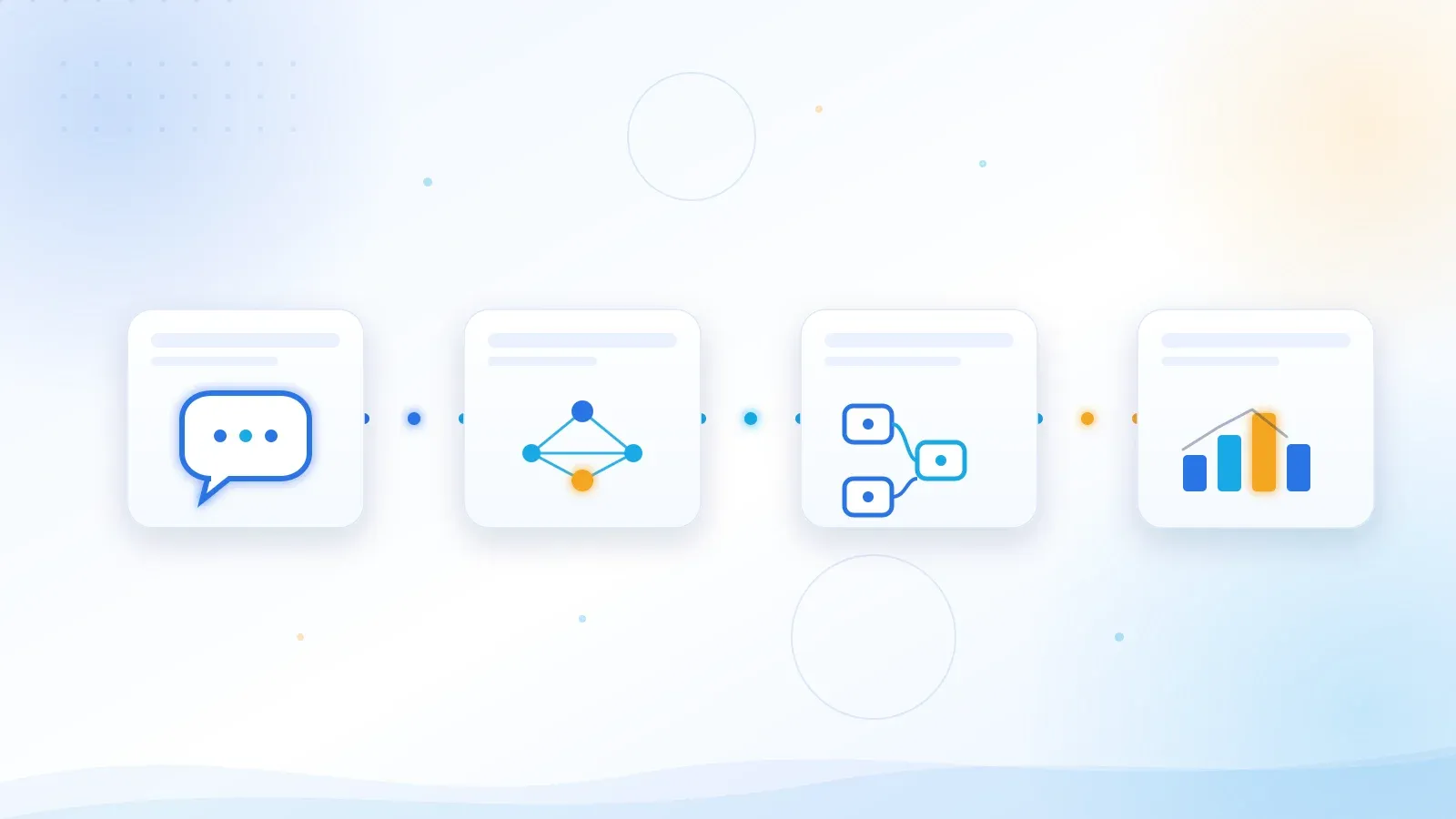
That is no longer a standalone chatbot. It's a system made of a chatbot, an AI assistant, automation, and reporting, all working on the business's real data and real processes.

The real problem

The problem isn't a lack of tools

Most small and mid-size businesses already have more tools than they realize — a website, email, forms, spreadsheets, sales software, accounting, a CRM, messaging apps, and internal chat groups.
Common friction

The manual gaps between tools

A lot of repetitive manual work happens in the gaps between those tools every day.

Manual data copying

A customer fills out a form, but staff still copy the details into another file.

Questions scattered across channels

Questions from the website, Facebook, Zalo, and email get handled in different places.

Missed follow-ups

Sales reps forget to follow up because there is no clear reminder or assignment step.

Manual end-of-day reporting

Managers wait for staff to compile numbers by hand at the end of the day.

Inconsistent answers

The same question gets a different answer depending on who responds.

Re-asking for existing data

Data already sits in a system, yet customers are asked for it again by phone or chat.

While workload stays small, experienced and proactive staff can absorb these gaps. As customer volume grows, the same gaps turn into slow responses, missed requests, inconsistent data, and decisions based on stale reports.

Adding another chatbot does not automatically fix any of that. If the chatbot only answers from a fixed set of questions while every downstream action is still copied and processed by a human, the business has only automated the conversation — not the operation behind it.

System architecture

Four layers that make an AI system actually valuable

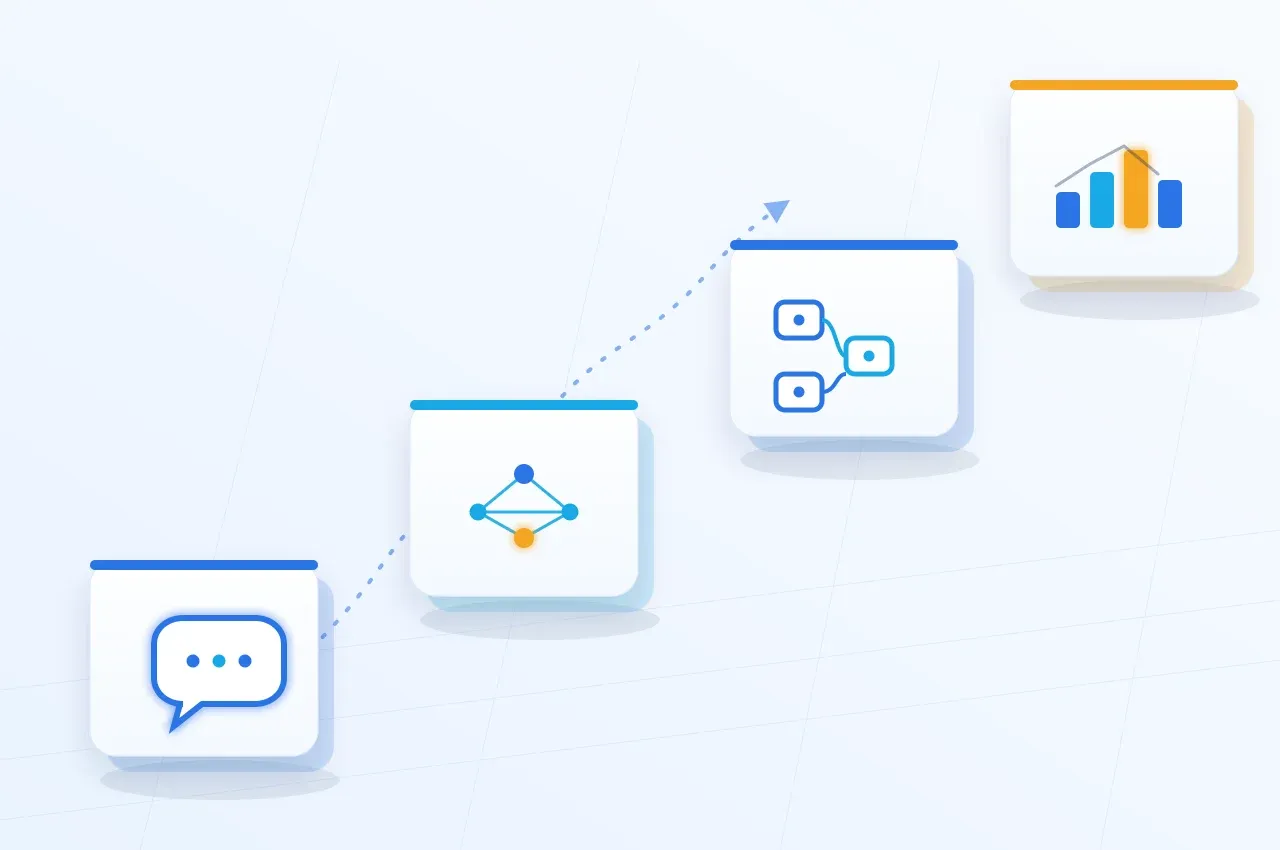
A chatbot for intake, an AI assistant for context, automation for execution, and reporting that turns activity into decisions.

Bốn lớp của một hệ thống AI doanh nghiệp từ tiếp nhận đến báo cáo
Kênh hội thoại, AI hiểu ngữ cảnh, workflow thực thi và dashboard báo cáo

Layer 1 — Intake

The chatbot is the intake point

A chatbot puts a business wherever customers ask questions — a website, a support portal, or the right messaging channels — capturing requests quickly, consistently, and without depending entirely on business hours.

Recognize intent

Recognize whether the customer needs information, support, or wants to complete a transaction.

Answer from a controlled source

Answer from approved sources instead of guessing.

Know when to hand off

Know when to hand off to a human: missing data, sensitive requests, or anything out of scope.

Speed matters, but answering correctly and handing off at the right moment is what builds a trustworthy experience.

Layer 2 — Context

The AI assistant is the context layer

If the chatbot is the front door, the AI assistant is the layer that understands requests and connects them to company knowledge. Staff can ask things like:

Which customer requests are past their handling deadline?Summarize this week's negative feedback.What policy applies to this case?What has this customer already told us?

The AI assistant does more than find a paragraph that resembles the question. It has to scope the right data, check access permissions, retrieve relevant sources, and answer with evidence when needed. The key distinction is that the AI assistant works with approved data, APIs, and internal processes — not as a stand-alone Q&A tool disconnected from the business.

Layer 3 — Execution

Automation turns answers into action

Automation turns intent into steps that actually run:

Capture the lead

Log the lead into the CRM.

Classify and assign

Classify and route the ticket to the right team.

Send a confirmation

Send a confirmation email from an approved template.

Validate conditions

Check required conditions before updating a record.

Remind on follow-up

Remind sales to follow up when a deadline passes.

Sync data

Keep the form, CRM, operating software, and reports in sync.

Require approval

Require an authorized approval before sensitive actions run.

Good automation is not about letting AI "do everything itself"

AI can suggest or select an action, but the workflow has to set clear boundaries: what data the AI can read, which tools it can call, which actions require approval, and what has to happen when an API fails. Good automation means every task runs under the right conditions, with the right permissions, a record of what happened, and a way to handle failure.

Layer 4 — Decisions

Reporting turns activity into decisions

Once conversations and workflows are logged in a structured way, a business no longer has to wait for someone to stitch data together by hand to know what's happening. A useful operational report can answer:

How many new requests came in today?How many were handled by AI within its allowed scope?Which cases were handed to staff, and who is holding them?Which step keeps slowing the process down?What do customers keep asking about?Which channel generates the most opportunities but the lowest response rate?

Instead of just sending a table of numbers, the system can summarize what changed, flag anomalies, and point the manager to the right underlying data to check. This is where AI creates value at the management level — not by making the decision, but by helping managers see the real issue sooner and decide from real data.

End-to-end flow

What it looks like when the four layers work together

A full journey from an inbound inquiry to a management report, imagining a business receiving a consultation request from its website.

Five steps in a real customer journey

Step 1 — Intake

The customer fills out a form or sends a message. The chatbot gathers the need and any missing details.

Step 2 — Understand and verify

The AI assistant classifies the request and looks up relevant products, policies, or data within its allowed scope.

Step 3 — Execute

The workflow validates required data, prevents duplicate records, logs the lead in the CRM, assigns a sales rep, and sends a confirmation.

Step 4 — Track

If no one picks it up within the set time, the system sends a reminder or escalates by rule.

Step 5 — Report

The manager receives a summary of lead volume, response time, follow-up status, and bottlenecks worth attention.

Customers get faster responses. Staff stop re-entering the same data. Managers stop waiting on manual reports. More importantly, the entire journey can be inspected instead of living scattered across inboxes, spreadsheets, and individual memory.

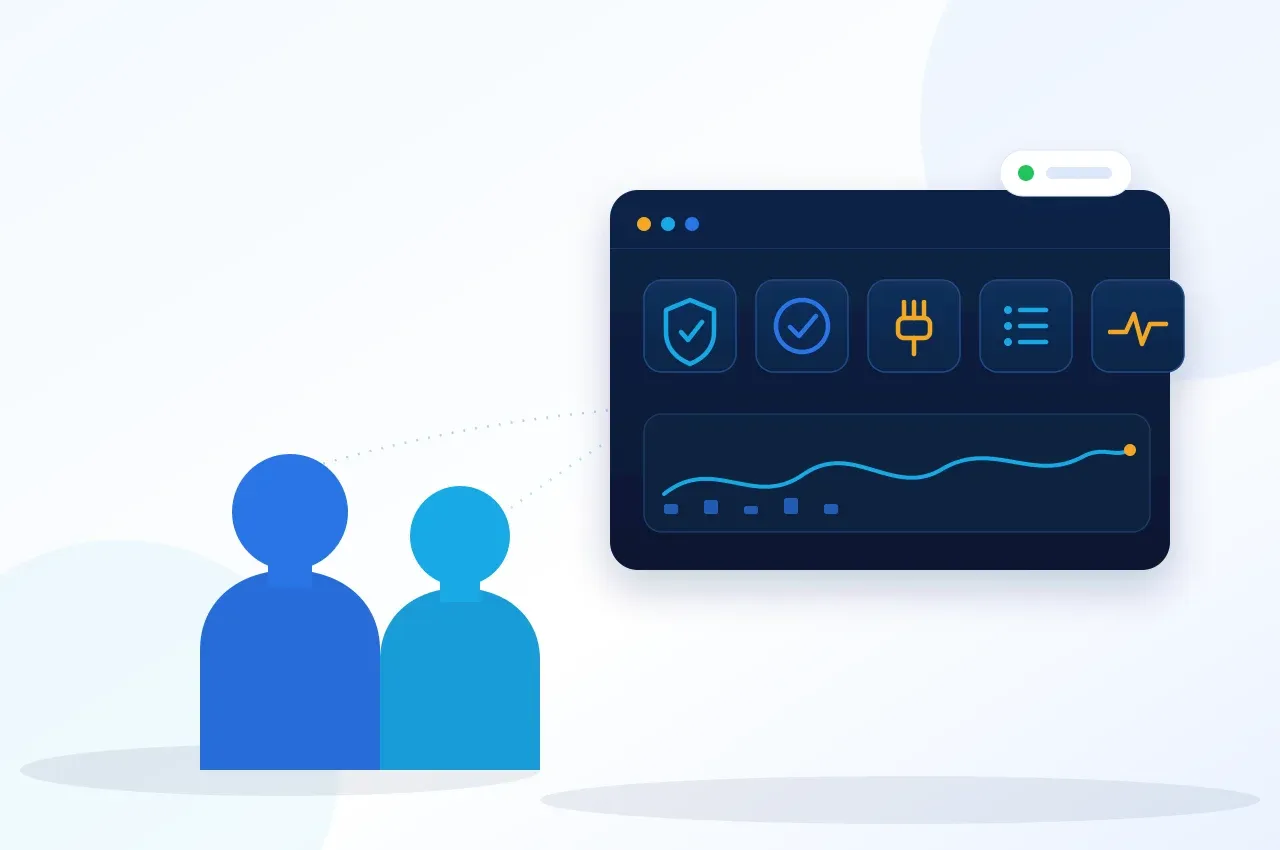
Hệ thống AI production có phân quyền, phê duyệt, giám sát và nhật ký kiểm tra
Nhân viên vận hành và quản lý cùng quan sát một hệ thống AI có guardrails, approval và audit trail

Production readiness

AI shouldn't sit outside the business's systems

An AI demo can look impressive within minutes. Running it for real requires answering harder questions.

Questions to answer before going live

Data scope

What data is the AI allowed to see?

Access control

What information is this specific user allowed to view?

Answer provenance

Where does the answer come from, and is it still current?

Low-confidence handling

What happens when the AI isn't confident enough?

Integration resilience

If the target API is unresponsive, does the workflow retry, or does it create duplicate data?

Approval authority

Who is authorized to approve sending an email, updating an order, or changing a status?

Traceability

Can you trace who asked, what the AI proposed, and what the system actually did?

Operating cost

How does cost scale with users, requests, or data volume?

A production AI solution needs more than a language model. It needs a governed knowledge base, API integrations, access control, guardrails, audit logs, monitoring, retry logic, alerting, and a rollback plan.

This is also why FlowNexa pairs AI with automation and a cloud platform, rather than shipping a stand-alone chatbot and leaving the rest to the business.

How FlowNexa builds it

How FlowNexa puts AI into operation

FlowNexa designs solutions for small and mid-size businesses in Vietnam on one principle: start from a problem worth solving, measure the result, and expand only once the system has proven itself.

Phase 1

Pick the right use case

Not every process needs AI. FlowNexa works with the business to identify:

Which task repeats the most?Where do things usually slow down or get dropped?Where does the required data actually live today?Which cases have clear rules, and which need human judgment?What metric should measure the result?

Intake channel ↓ AI understands the request ↓ Verified data / knowledge ↓ Workflow execution ↓ Human approval when needed ↓ Result logged ↓ Reporting and alerts

Phase 2 — Design a complete flow

Instead of just building a chat interface, FlowNexa designs the journey from input to outcome, following the flow above. This design avoids AI that answers well in a demo but never connects to real work.

Phase 3

Pilot within a controlled scope

The solution is tested with one user group, one request type, or one specific dataset. During this phase, the business can measure:

First response time.Correct classification rate.Automation completion rate.Number of manual steps eliminated.Escalation rate to staff.Data errors, integration errors, and unexpected edge cases.

FlowNexa never promises the same savings percentage to every business by default. A baseline is measured from the current process, then compared against real pilot results.

Phase 4 — Expand safely

Once the first use case runs reliably, the business can expand to new channels, new departments, or additional automated actions. Monitoring, permissions, cost, answer quality, and error rate continue to be tracked as scale increases. The goal is not to put AI everywhere possible — it's to build a system the business can trust, operate, and keep improving.

What the business gets

What does the business actually get?

When a chatbot, an AI assistant, automation, and reporting are designed as one system, the value goes well beyond just "having AI."

For customers

A faster, more consistent experience

Faster responses

Faster, more consistent replies.

No repeating themselves

No need to repeat the same information across channels.

Routed to the right person

Handed off to the right staff member when AI shouldn't handle it.

For staff

Less manual work

Less data entry

Less manual data entry, copying, and compiling.

Faster answers

Find internal information faster from a controlled source.

Focus on high-value work

More time for cases that need experience and judgment.

For managers

Decisions grounded in real data

Near real-time visibility

Track operational status close to real time.

Earlier detection

Spot bottlenecks and anomalies earlier.

Evidence-based evaluation

Evaluate performance with data instead of gut feeling.

For IT teams

Clear control and integration

Clear scope and logging

Clear access scope, logs, and permissions.

No new data silo

Integrates with existing systems instead of creating another data silo.

Ready to scale

Monitoring, retries, and error handling in place before expanding.

Where to start

Where should you start?

A business doesn't need to start with a large AI project. Pick a process that already causes enough friction.

Good starting points

Answering customers' repeated questionsCapturing and following up on leadsRouting email or tickets to the right teamLooking up internal policy and knowledgeCompiling an operational report every morningFlagging overdue requests or abnormal data

Then describe one complete run: where the data enters, who handles it, how long it takes, where errors tend to happen, and what the final result is used for. That is a far better starting point than the question: "Which AI model should we use?"

From a chat window to a new operating capability

AI can produce an answer in seconds. But business value only shows up when that answer is contextually correct, grounded in a trustworthy source, moves the work to its next step, and produces data the business can keep improving on.

The chatbot handles intake. The AI assistant understands and supports. Automation executes. Reporting looks back and decides.

Once these four pieces are connected on a secure platform, AI stops being a feature used for demos. It becomes a measurable part of how the business runs.

FlowNexa helps businesses move from a single use case to a real operating system: connecting the chatbot, AI assistant, automation, data, and reporting on a roadmap that fits their current scale, resources, and readiness.

Book a consultation with FlowNexa at flownexa.ai/en/contact to map out the right use case and design a measurable pilot before you scale.

FAQ

Frequently asked questions

What is the difference between a chatbot and an AI assistant?

A chatbot is mainly the conversational interface with a customer or user. An AI assistant usually has a broader scope: understanding context, retrieving knowledge, calling APIs, and helping complete tasks. In a full system, the chatbot is the communication channel while the AI assistant is the processing layer behind it.

Does a small business need to deploy all four components at once?

No. A business should start from one priority use case. That said, the initial architecture should account for data flow, actions, and measurement so it doesn't end up as an isolated chatbot that's hard to expand later.

Can AI fully automate an entire process?

Low-risk tasks with clear rules can be fully automated. Actions tied to finance, sensitive data, customer commitments, or major changes should carry access limits and an appropriate approval step.

Can FlowNexa integrate with the systems we already use?

The solution is built to connect a knowledge base, APIs, webhooks, and workflows with existing systems. Exact integration capability depends on each business's APIs, access rights, data quality, and security requirements.

How do you measure whether an AI project is working?

Establish a baseline before the pilot, then track metrics like response time, workflow completion rate, manual steps removed, escalation rate, data errors, satisfaction, and cost per request. Don't measure success by chat volume alone.

Read next

Related insights

Operations Automation

Multichannel Orders and Inventory: How Do You Prevent Overselling?

Design a central inventory authority, reservation ledger, idempotency, event synchronization, and reconciliation to prevent overselling.

AI Automation

AI Misreads an Invoice: What Controls Are Needed Before Accounting?

Design invoice processing with field-level confidence, business validation, reconciliation, risk-based review, and posting gates.

Data Governance

Duplicate Customers in CRM: How Do You Merge Without Combining the Wrong People?

Design duplicate detection with identity keys, confidence, review queues, merge policy, and recovery controls.

FlowNexa

FlowNexa helps small and mid-sized businesses bring AI into customer service, workflow automation, and efficient data operations. Cloud-native and DevSecOps provide the foundation that keeps these solutions secure, reliable, and easy to scale.

FLOWNEXA COMPANY LIMITED

Tax ID: 0319612776

Address: 228/6 Au Duong Lan, Chanh Hung Ward, Ho Chi Minh City, Vietnam

Website: flownexa.ai

Services

AI chatbots & supportAI assistantsAutomationCloud & infrastructure

Company

AboutBlogPrivacyTerms

Contact

hello@flownexa.ai
0948 279 029
Chat on Zalo
Chat on Messenger
Replies within one business day

© 2026 FlowNexa. All rights reserved.

Microsoft, Azure, Microsoft 365, AWS, Kubernetes, and Cloudflare are trademarks of their respective owners. FlowNexa is not claiming partnership unless expressly stated.

B2B service website — no online ordering or online payment.

Practical AI · Automation · Secure CloudPrivacyTermsCookiesLegal
Share:
FacebookZaloLinkedIn
Share:
FacebookZaloLinkedIn