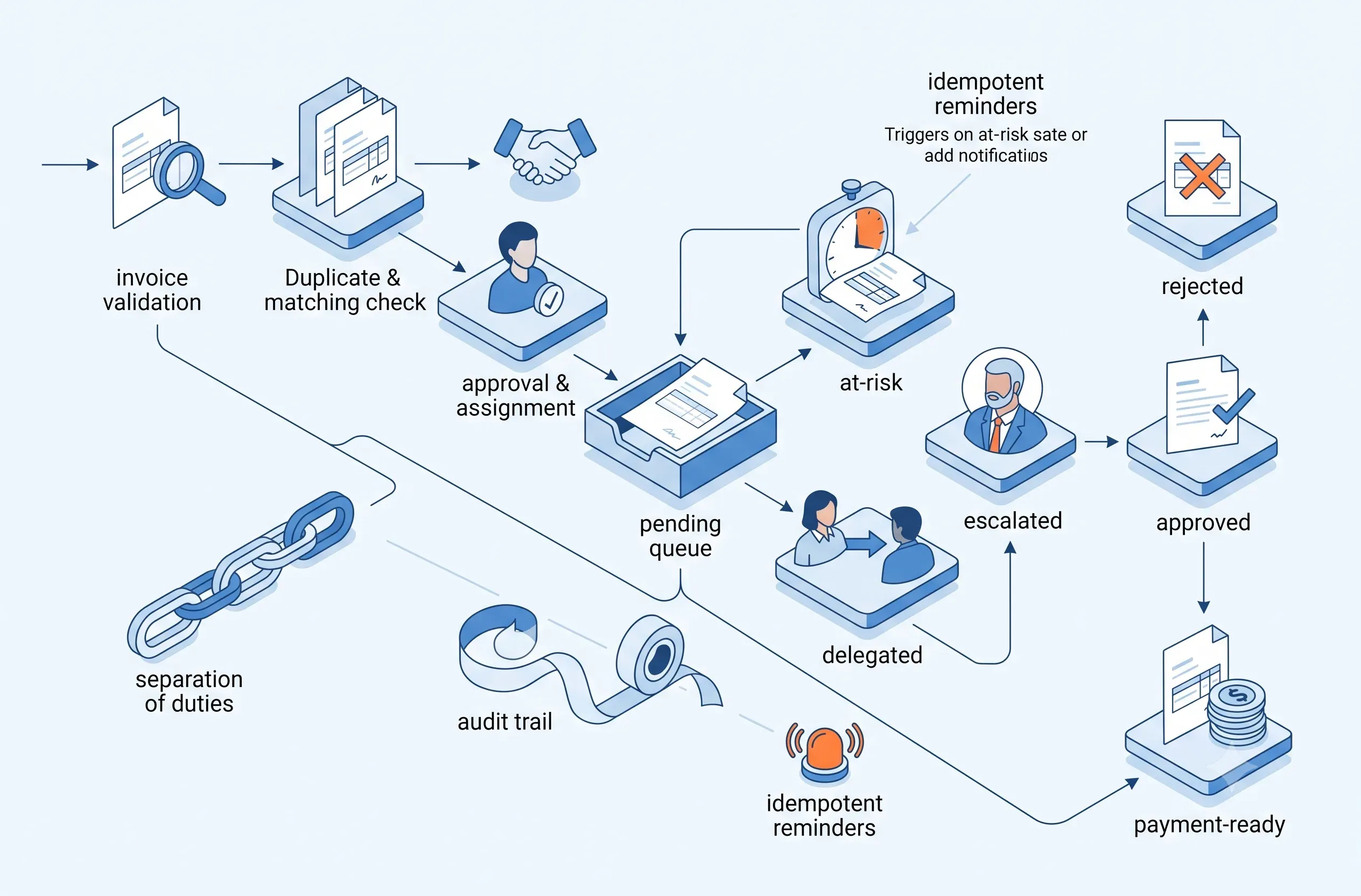
Invoice Approval with SLA: Prevent Stalled Work and Late Payment
Design invoice approval queues with deadlines, at-risk states, delegation, escalation, evidence, separation of duties, and end-to-end audit.

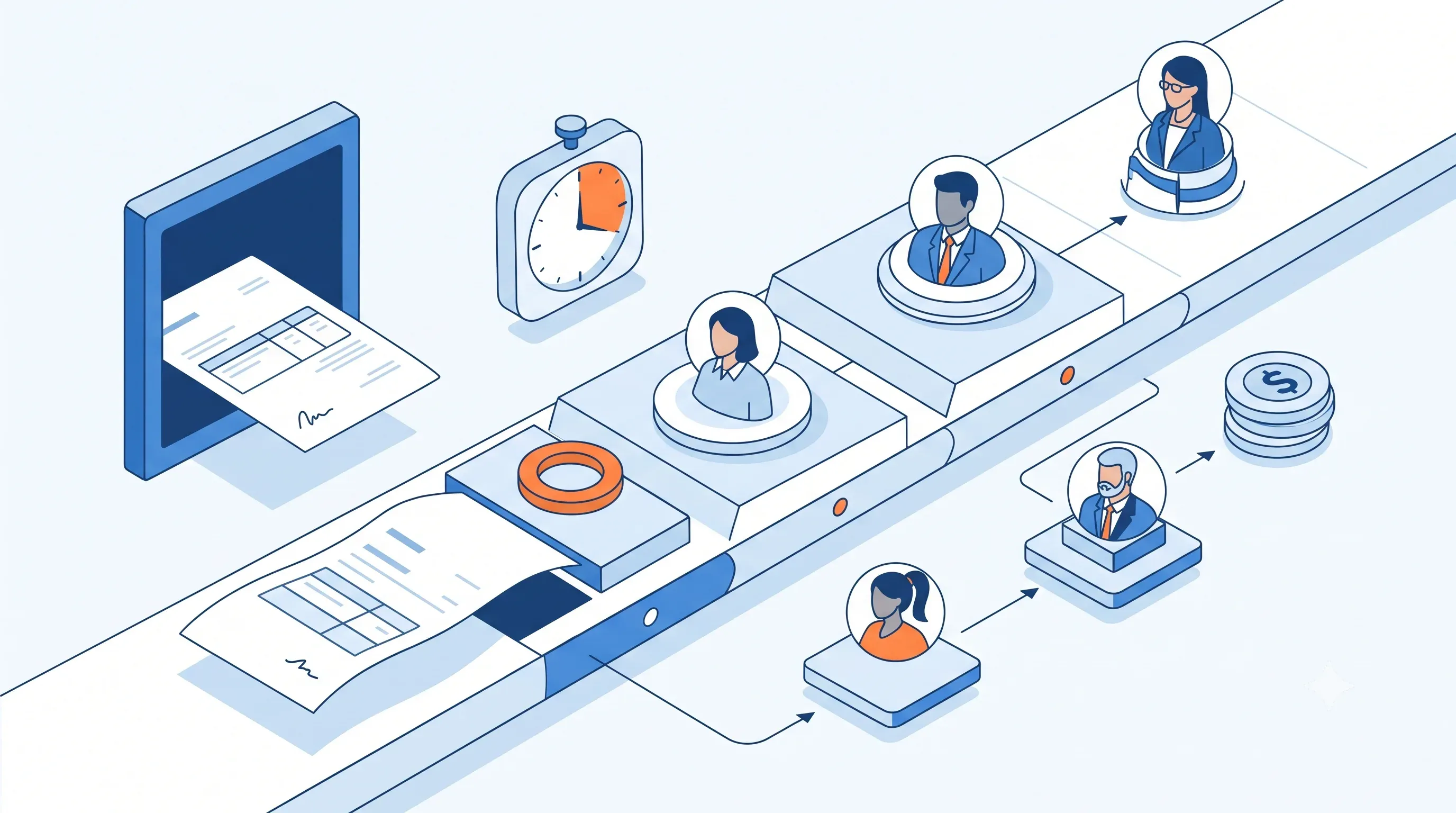
Invoices are rarely late because an Approve button is missing. They stall because nobody defined when the deadline starts, who owns the current decision, who substitutes during absence, which cases are approaching breach, and what the system must do after expiry. A workflow that sends email and waits is not SLA management.
A robust design needs a work item with state, deadline, business calendar, owner, evidence, policy version, and escalation path. AI can extract information, detect missing documents, and recommend routing, while approval and payment release remain governed by separation of duties and risk tier.
SLA
Define the clock before automating reminders
Start, pause, resume, and breach rules must be consistent.
Choose the start event: invoice receipt, validation, or document completeness. Does the clock pause while a vendor supplies missing evidence? Are deadlines actual or business hours? Which holidays and timezone apply? Does a high-value invoice use a different SLA from a recurring PO-matched invoice?
Each item should contain received_at, eligible_at, due_at, at_risk_at, current_stage, approver, delegation, , and . Calculate the deadline from a versioned policy and do not silently change it when the flow changes.