Website Is Slow but CPU and Memory Are Low: Where Should You Investigate First?
A practical guide to diagnosing slow websites with low CPU and memory by analysing TTFB, databases, pools, networks, storage, caches, external APIs, and frontend performance.


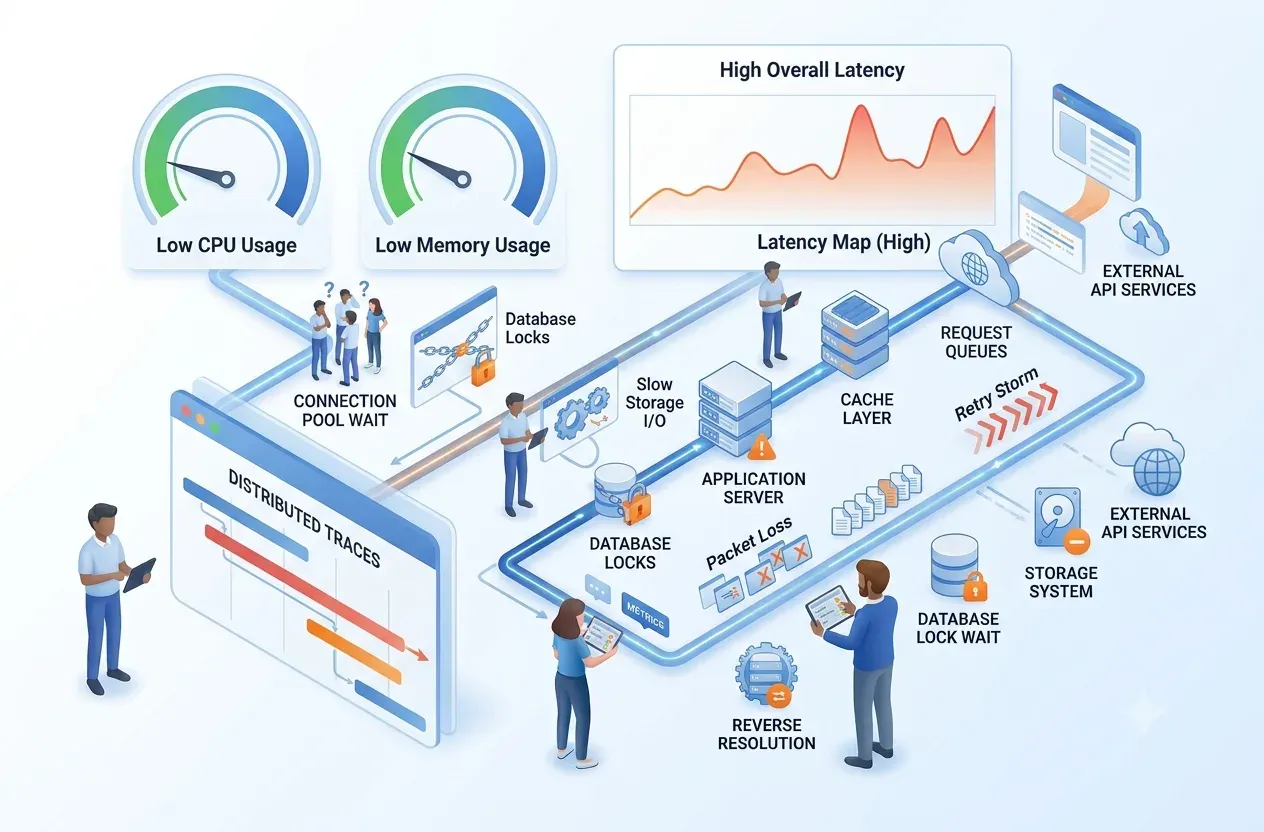
A slow website with low CPU and memory usually means requests are waiting on I/O, pools, locks, networks, databases, external APIs, or frontend work. Investigation should break latency down across the full request path.
A slow website with low CPU and memory usually means requests are waiting on I/O, pools, locks, networks, databases, external APIs, or frontend work. Investigation should break latency down across the full request path.
Core principle
Low CPU and memory do not prove the system is healthy. Measure waiting time at each hop, queue, and dependency before scaling infrastructure.
Investigation
An evidence-based step in diagnosing a slow website
Separate frontend, backend, database, storage, network, and dependency latency.