


AWS or Azure Bill Increased Unexpectedly? 10 Common Cloud Cost Leaks
Investigate cloud spend through inventory, tags, budgets, rightsizing and ownership instead of deleting resources impulsively.
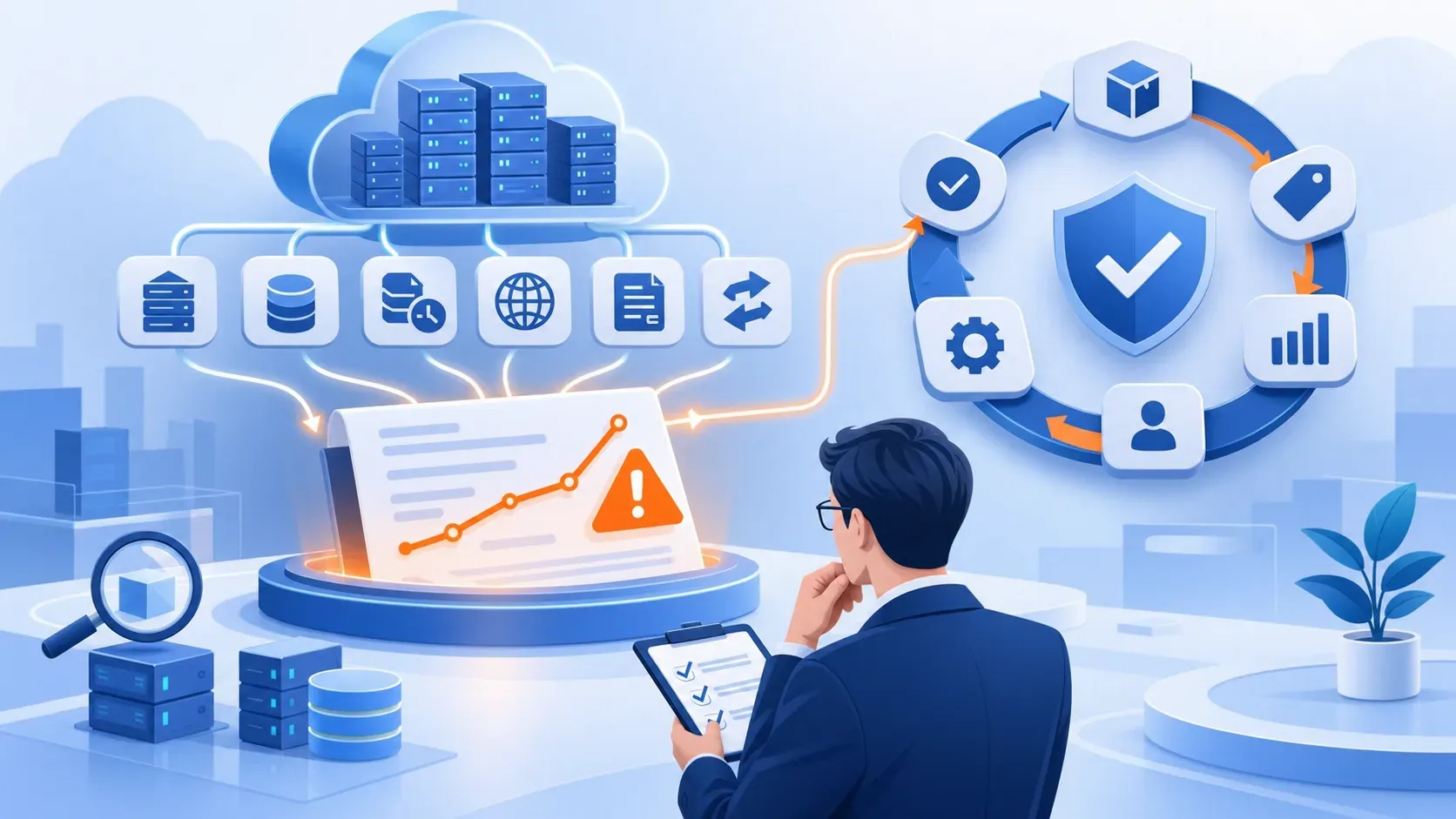
A higher bill does not simply mean that cloud is expensive. Forgotten test resources, unattached disks, accumulated snapshots, long log retention, data transfer, traffic changes or mismatched commitments may be responsible. Deleting the largest resource without dependency knowledge can create an outage.
Cost optimization must preserve performance, resilience and business ownership. The goal is to pay for required value, not minimize spend at any cost.
Practical guidance
Investigate ten common areas
Most increases come from a few recurring resource groups.
- Oversized or always-on compute.
- Unattached disks and volumes.
- Old snapshots, backups and images.
- Unused public IPs, NAT gateways or load balancers.
- Excessive log and metric retention.
- Cross-zone, cross-region or internet transfer.
- Over-provisioned databases.
- Dev and staging running continuously.
- Untagged resources without owners.
- Commitments that do not match workload behavior.
Practical guidance
Move from bill to owner
Every cost line needs someone who knows why it exists.
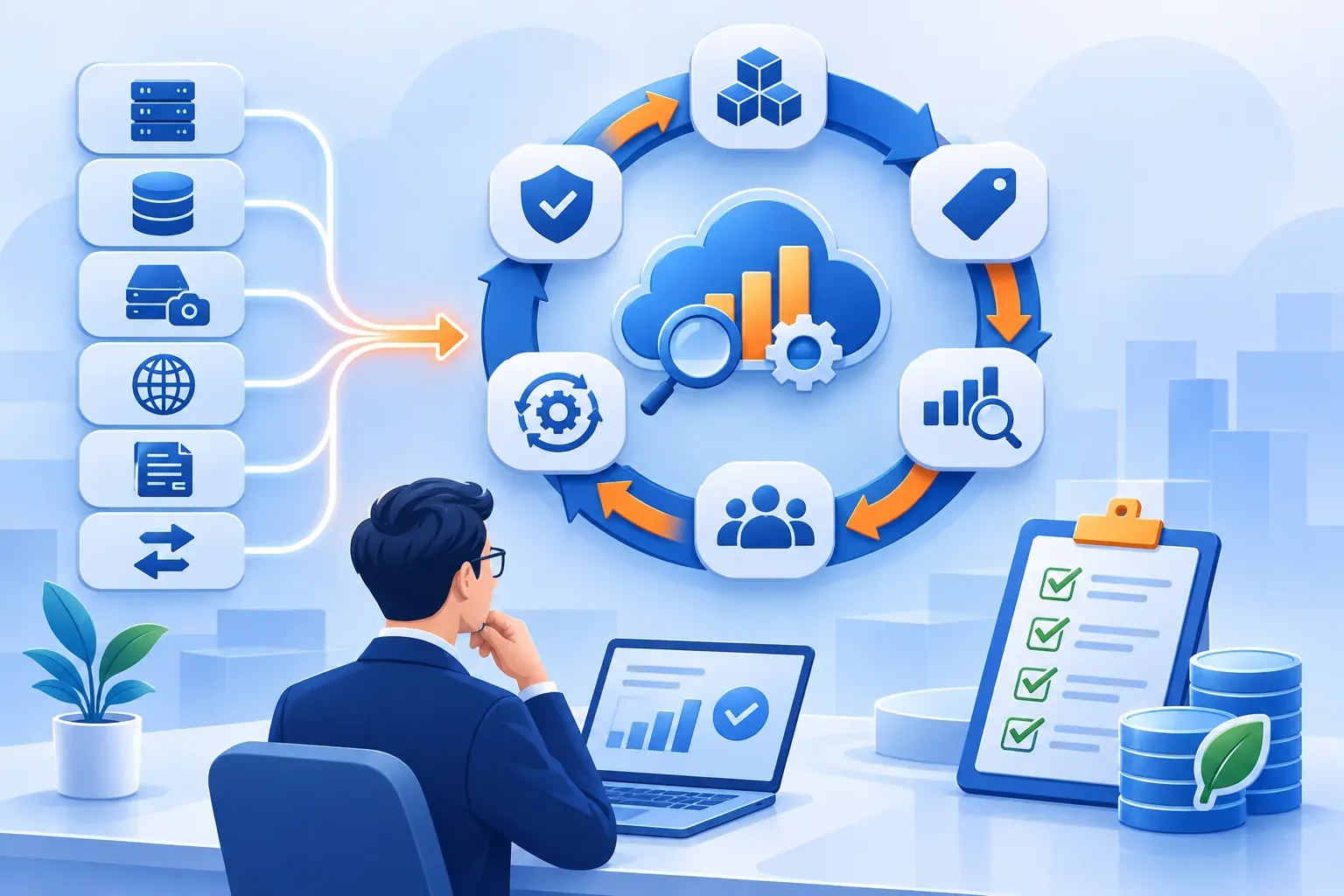
Enable allocation tags for project, environment, owner and cost center. Create budgets and anomaly alerts with accountable recipients. Analyze service, region and time changes before individual resources.
Rightsizing requires a representative utilization window, seasonality and headroom. An idle-looking resource may be a standby or hidden dependency; confirm before deletion.
Practical guidance
Close the loop with evidence
Savings count only when they appear on the actual bill.
Capture cost and technical baselines. Change in small batches, monitor errors, latency and capacity, then verify actual savings on the bill.
Use monthly cost reviews and quarterly architecture reviews. FinOps is an operating habit shared by engineering, finance and product owners.
Practical guidance
Three leaks that are easy to miss
They are not on the server list, so few people notice them.
Logs kept forever. According to AWS documentation, CloudWatch Logs stores log data indefinitely by default until you set retention for each log group. An application logging verbosely for a few years can build significant storage cost unnoticed. Azure Log Analytics also charges by ingested data and retention. Set retention by purpose: weeks for operational logs, compliance-driven periods for audit logs.
Data processing and transfer charges. A NAT gateway is billed per hour and per gigabyte processed; transfer between zones, regions or to the internet is charged too. Sending all traffic through NAT to the internet when a VPC endpoint could reach the provider's own services is a common leak.
Public IPs and orphaned resources. AWS charges for public IPv4 addresses, even when not attached to an instance. Snapshots of deleted machines, unattached disks and load balancers without backends also keep billing every month.
Practical guidance
Set up cost alerts in one session
An early alert is much cheaper than finding out from the month-end invoice.
- Monthly budget: create an AWS Budget or Azure Cost Management budget with alerts at 50%, 80% and 100%, sent to people who can act, not only finance.
- Anomaly detection: enable AWS Cost Anomaly Detection or Azure Cost Management anomaly alerts to hear when a single service spikes.
- Mandatory tags: require at least project, environment and owner; use policy to warn about or block untagged resources.
- Weekly report: review the five services that grew most against the previous week and ask owners before changing anything.
- Switch off idle environments: schedule dev and test shutdown out of hours where the application allows.
A cost spike can also signal an incident, such as a logging loop or a compromised account running instances; connect cost alerts to infrastructure monitoring. If you are reconsidering the hosting model, see AWS, Azure, VPS or on-premises.
Practical guidance
Frequently asked questions
Common questions about cloud cost optimisation.
Should every idle resource be stopped?
Not before verifying dependencies, ownership and standby purpose.
Are reservations always cheaper?
Only when usage and commitment match; a poor commitment can lock in waste.
Do tags reduce costs?
Not directly, but they enable allocation, ownership and better decisions.
Should old snapshots be deleted right away to save money?
Only after confirming a snapshot is not the only restore point and no retention policy requires it. Prefer automated lifecycle rules over manual clean-up campaigns.
Do budget alerts stop spending automatically?
Usually not; budgets mainly send alerts. Some automated actions can be configured, but be careful, because automatically stopping production resources can cause an outage.
Does a small business need a dedicated FinOps tool?
Usually not yet. AWS and Azure's built-in cost management, plus tagging and a monthly review, address most leaks at SME scale.
FlowNexa
Optimize cloud without causing outages
FlowNexa builds inventory, dependency maps, cost baselines and verified rightsizing plans.
Cloud & hybrid infrastructure
